Where focus
becomes progress.
A Pomodoro timer for your terminal that keeps track of what you work on, with daily goals, tasks, notes and a calendar next to the clock.
Open the Terminal app, paste this command and press Enter.
curl -fsSL https://focusoro.com/install.sh | shOr with Homebrew
brew install orocore/tap/focusoroOpen a terminal, paste this command and press Enter.
curl -fsSL https://focusoro.com/install.sh | shOpen PowerShell or Windows Terminal, paste this command and press Enter.
irm https://focusoro.com/install.ps1 | iexOr with Scoop
scoop bucket add focusoro https://github.com/orocore/focusoro; scoop install focusoroThen open a new terminal and type focusoro. Press h inside for every shortcut.
Looks its best in a modern terminal like Ghostty, iTerm2, WezTerm, Kitty, Alacritty, foot or Windows Terminal.

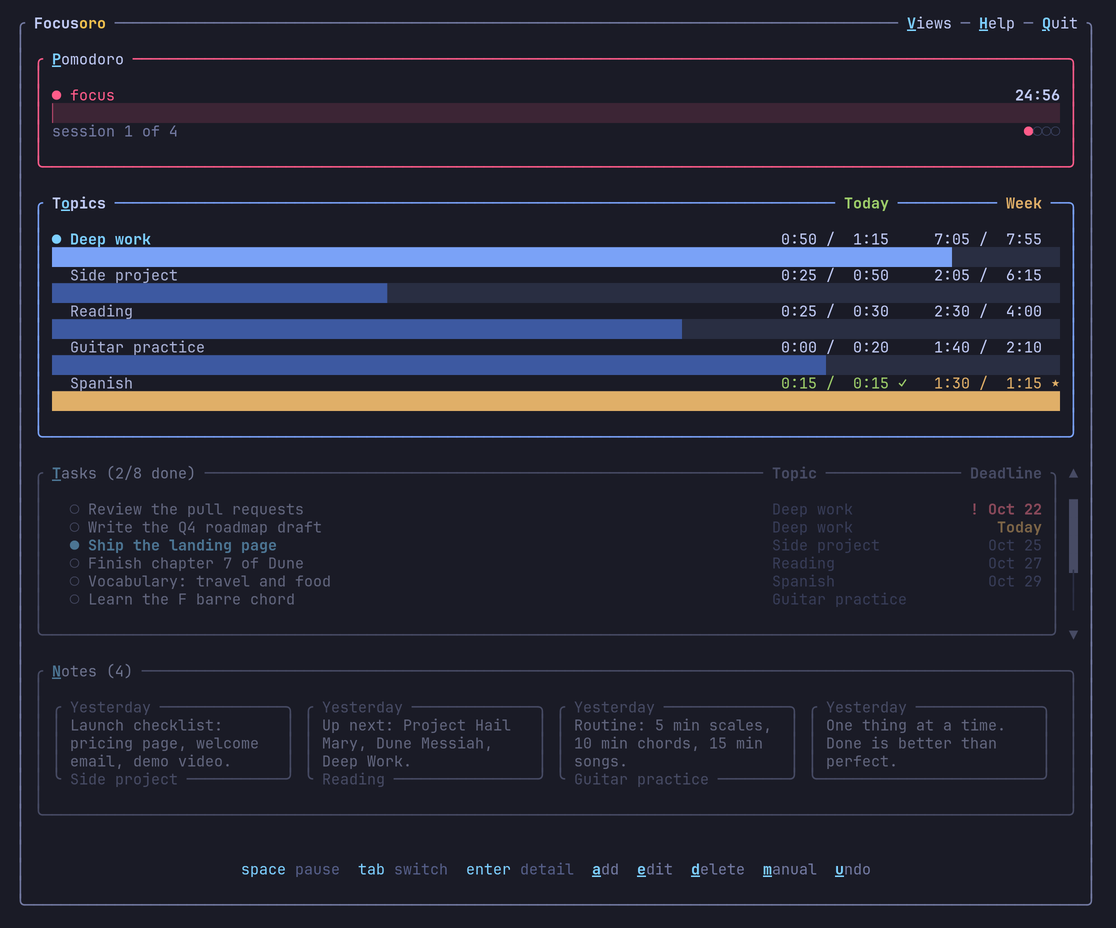
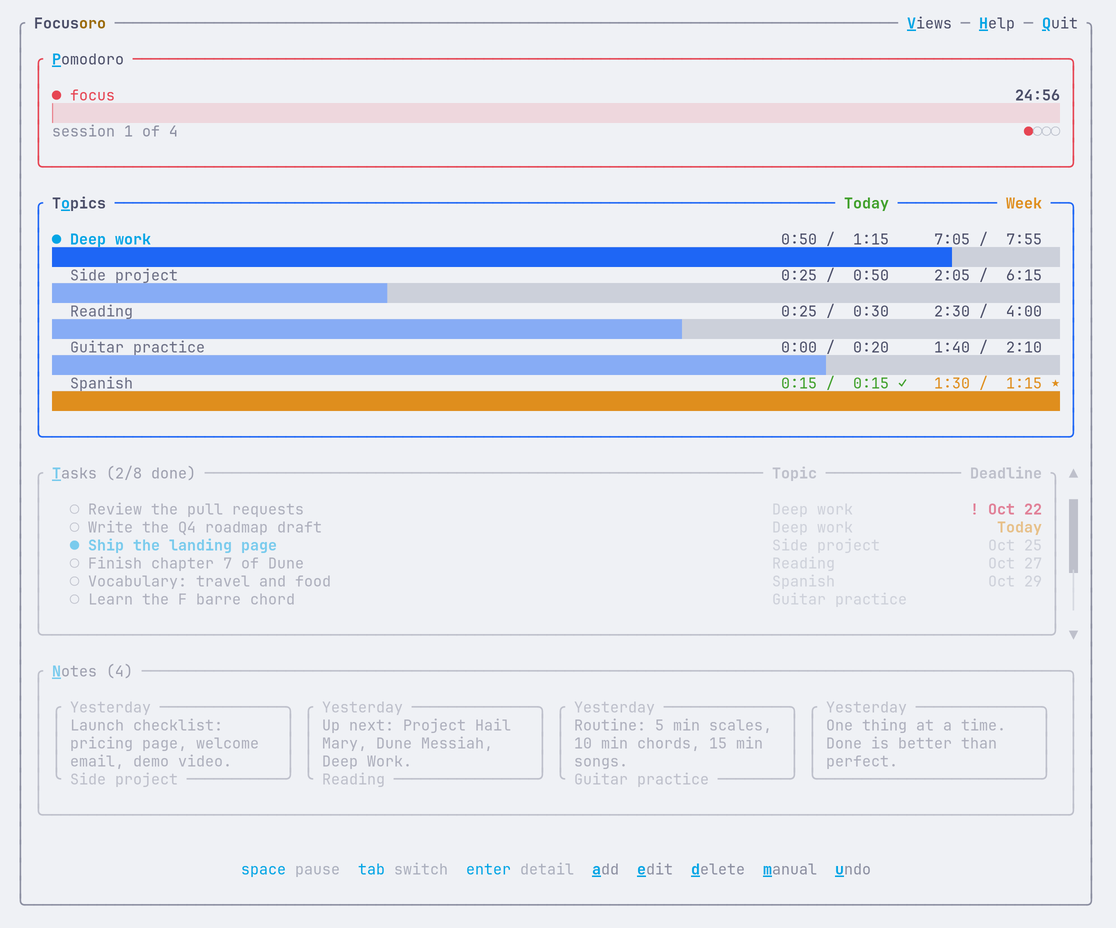
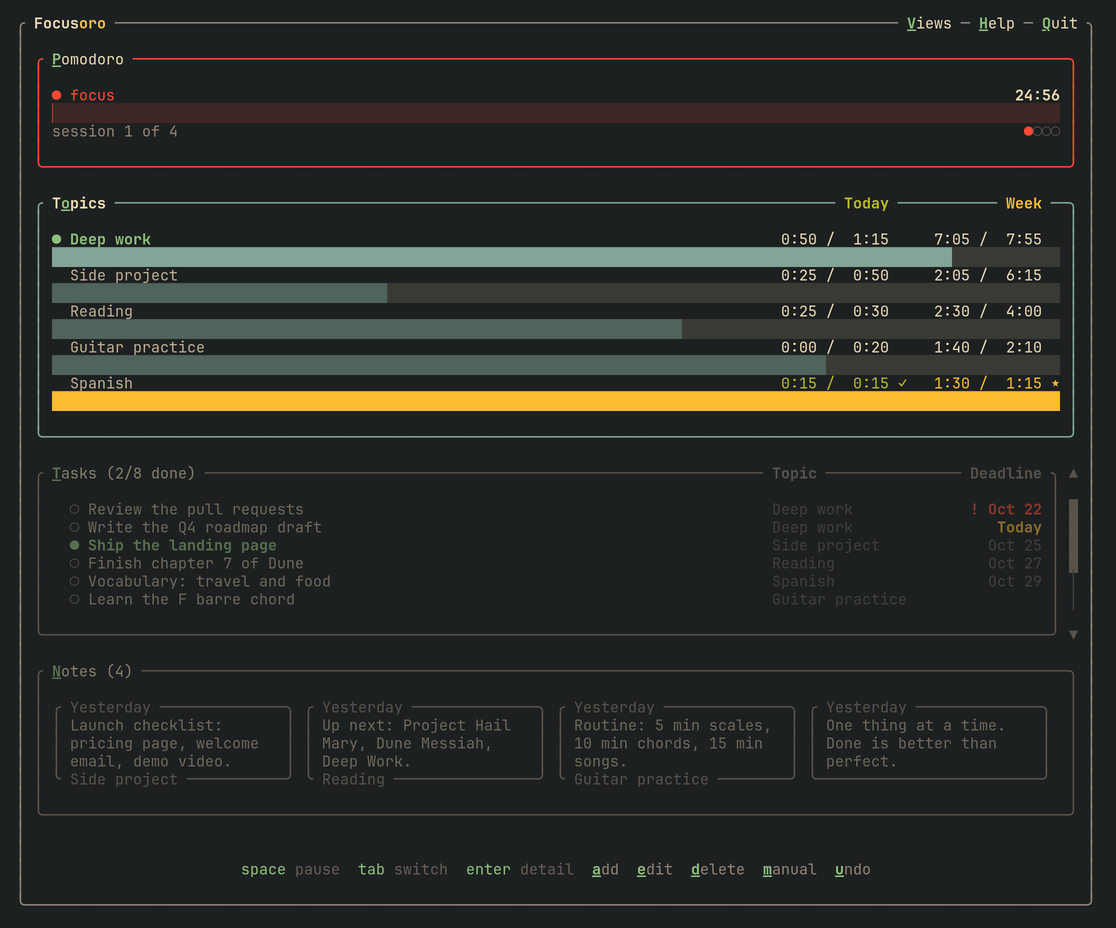
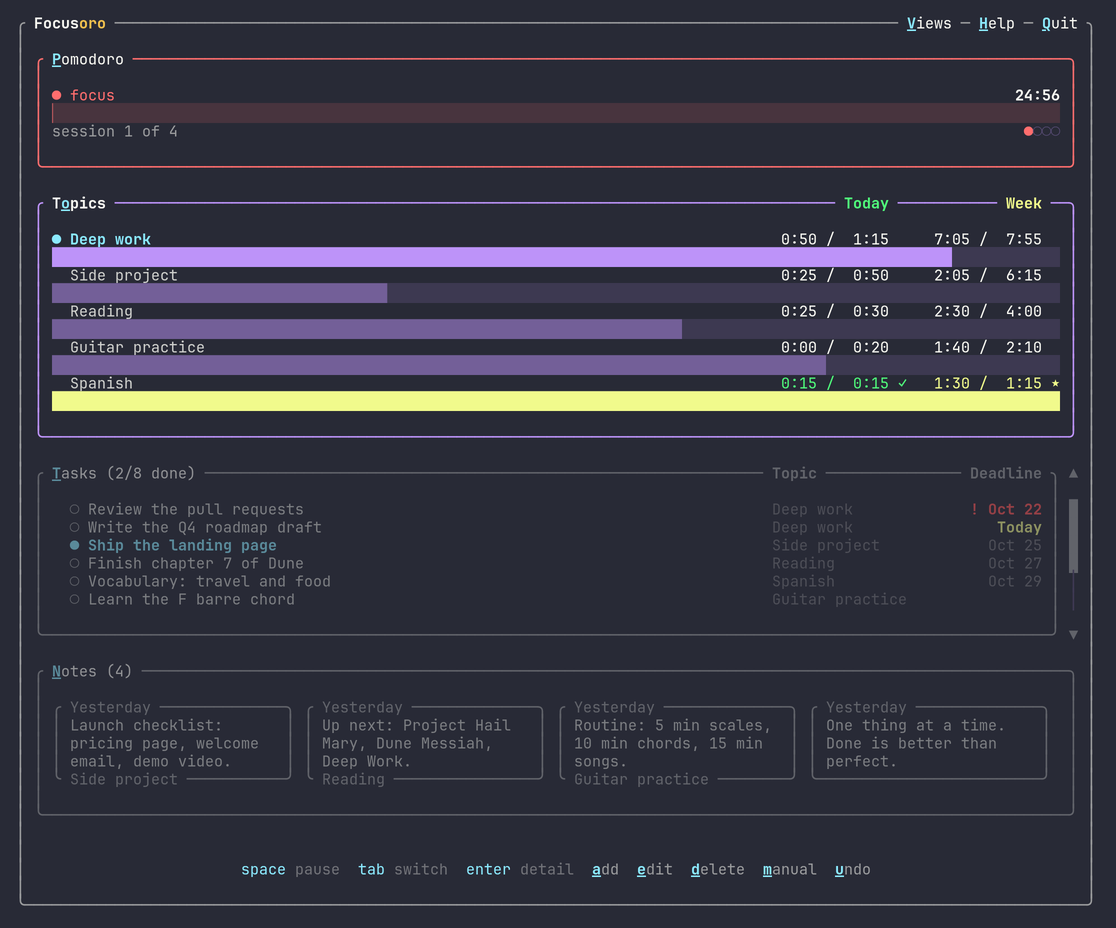
A real screenshot of the app.

Focus
Pomodoro sessions, real breaks, and a zen mode that shows only the clock.

Track
Each session is saved under its topic, next to your tasks, notes and important dates.

Grow
Daily goals, streaks and a report that shows how far you've come.
A closer look
Everything happens in your terminal, with the keyboard or the mouse.
A report of your progress
Open a report in your browser from the app. It compares your week, month or year with the previous one, shows how your goals are going and when you focus best, and lists every session. It works offline.
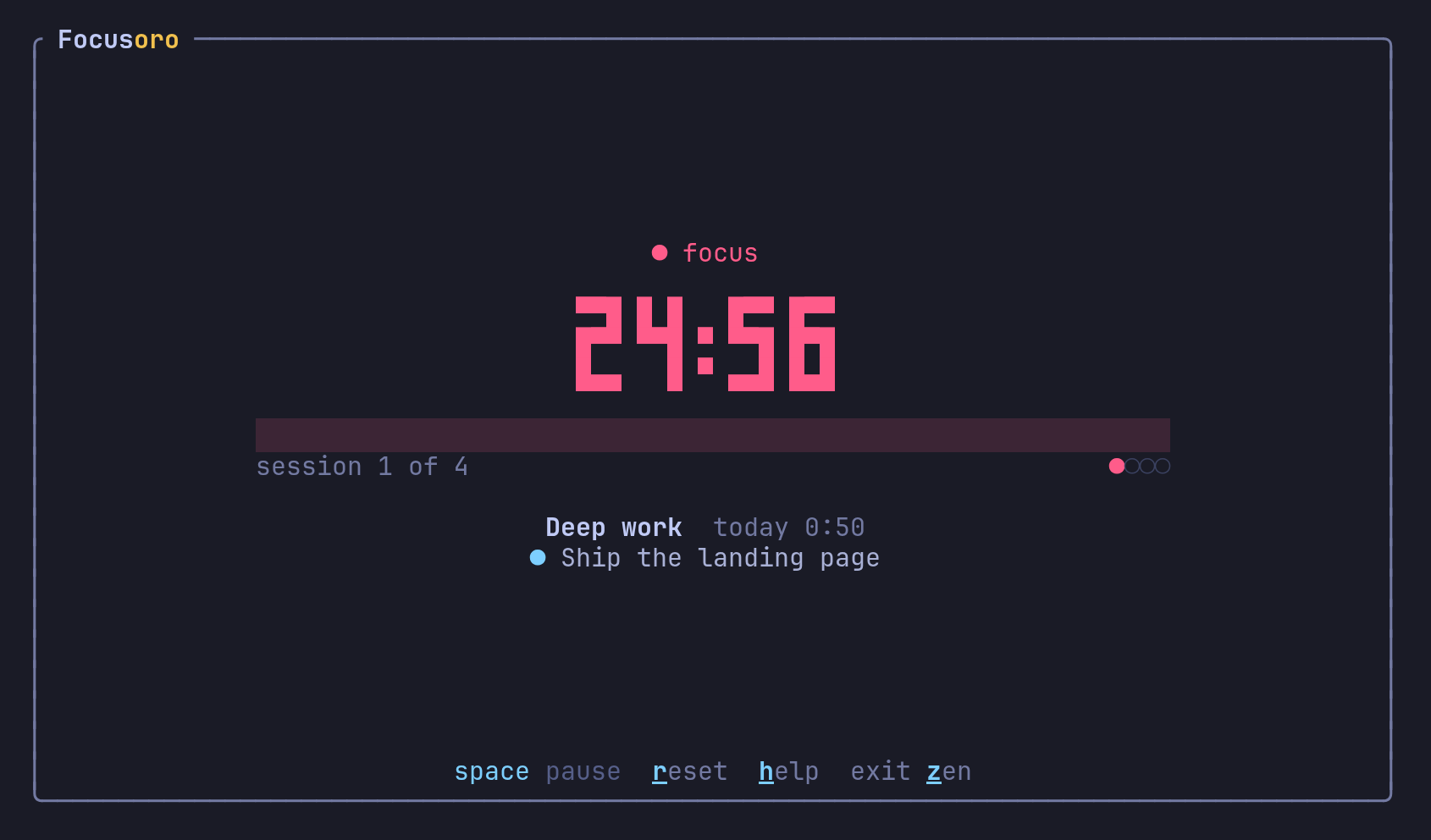
Zen mode
Only the clock, your topic and the task you're on. Nothing else on screen.
Press z during a session.
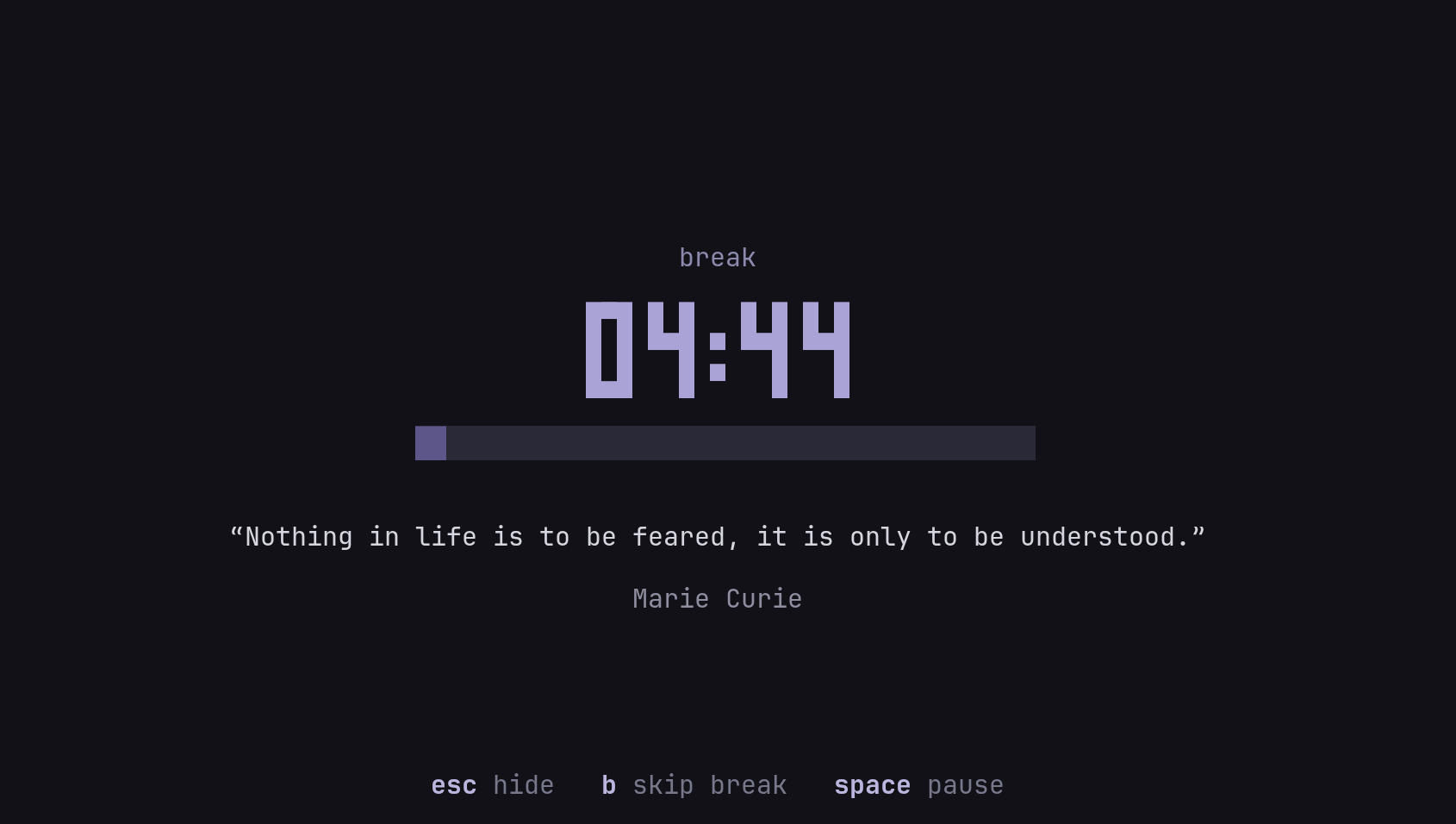
Breaks that help
A quiet screen with a quote while you step away. You can add your own quotes, turn on short breaks to rest your eyes, or make breaks strict if you tend to skip them.
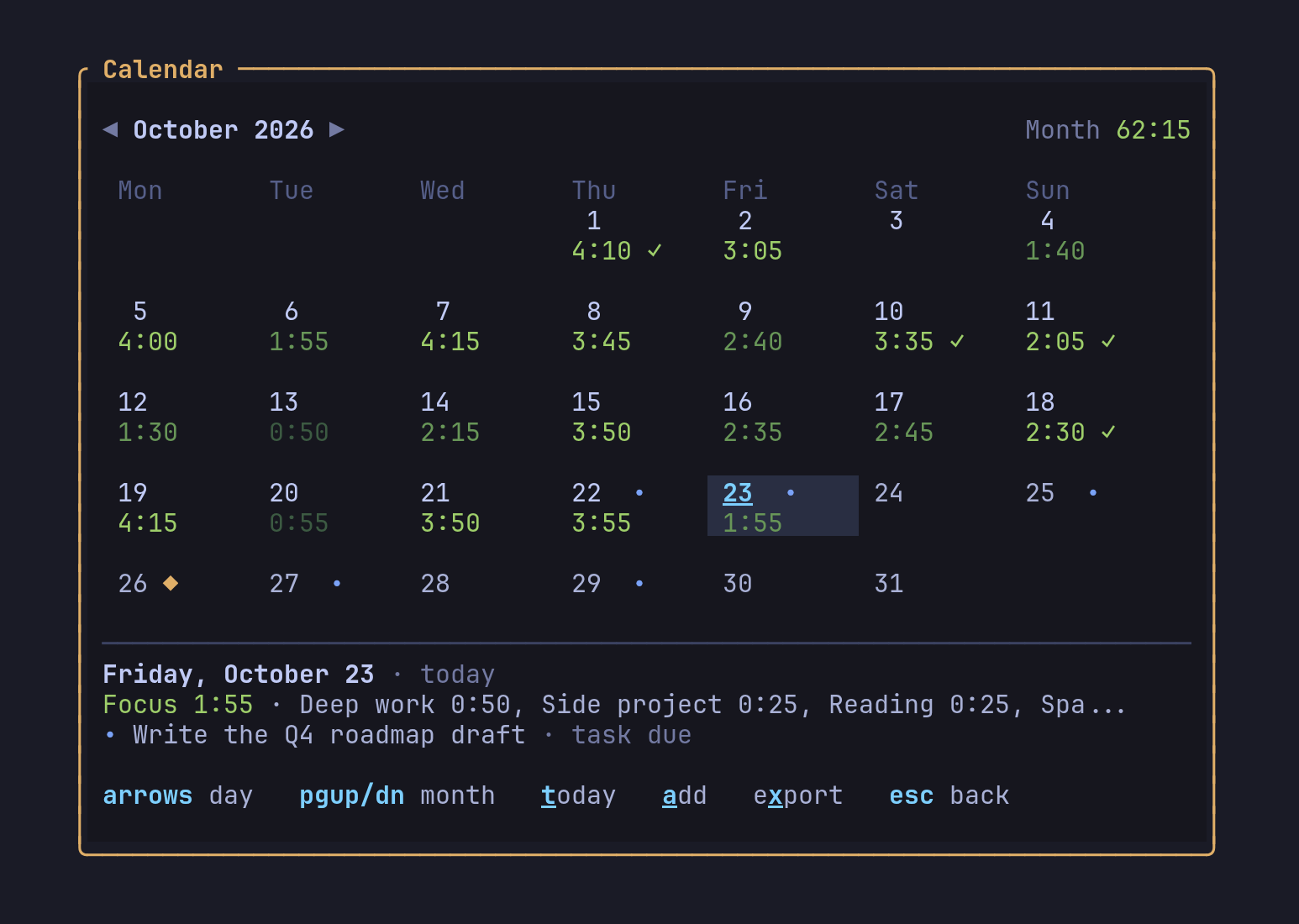
Your month at a glance
How much you focused each day, the days you met your goals, and your deadlines and important dates, with reminders. You can export it to Google Calendar, Apple Calendar or Outlook.
Press v then c.
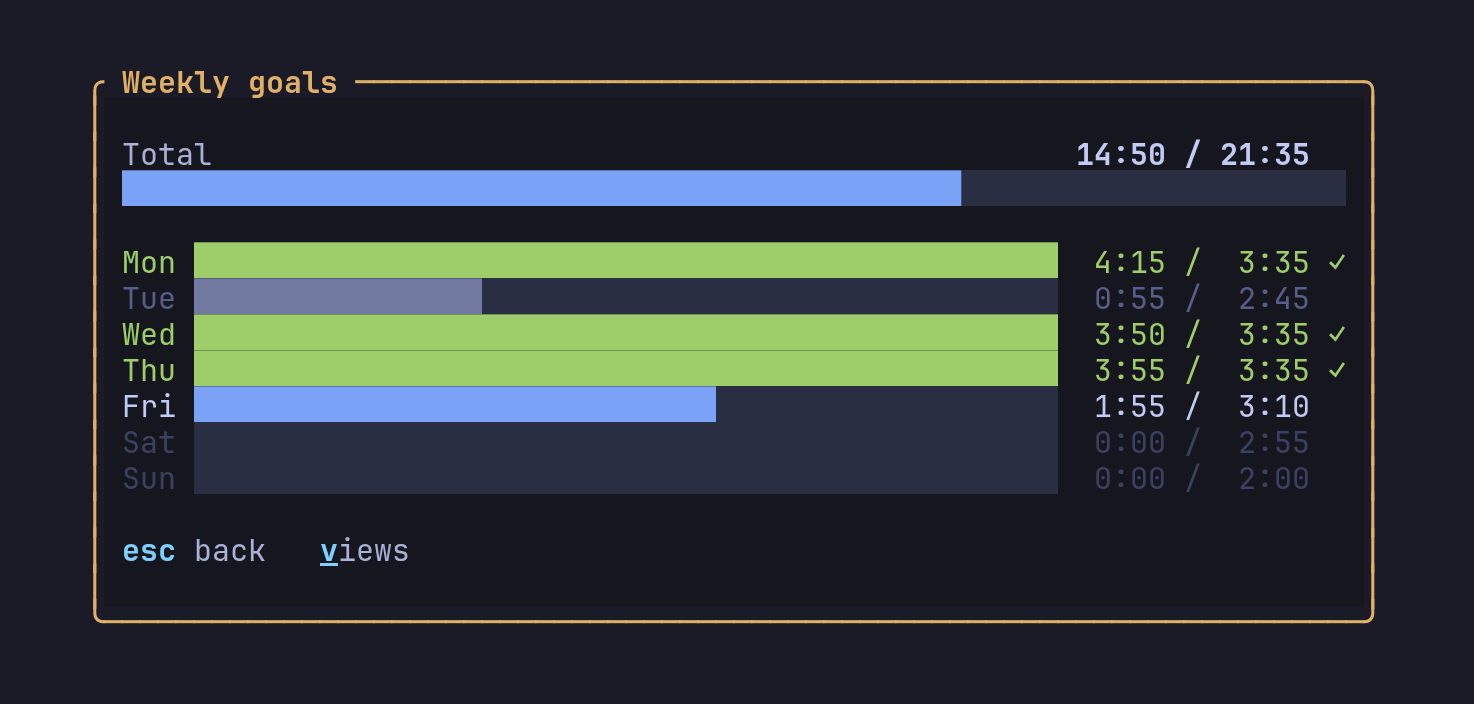
Goals for every day
Set a goal per topic for each weekday and see how the week is going against it.
Press w.
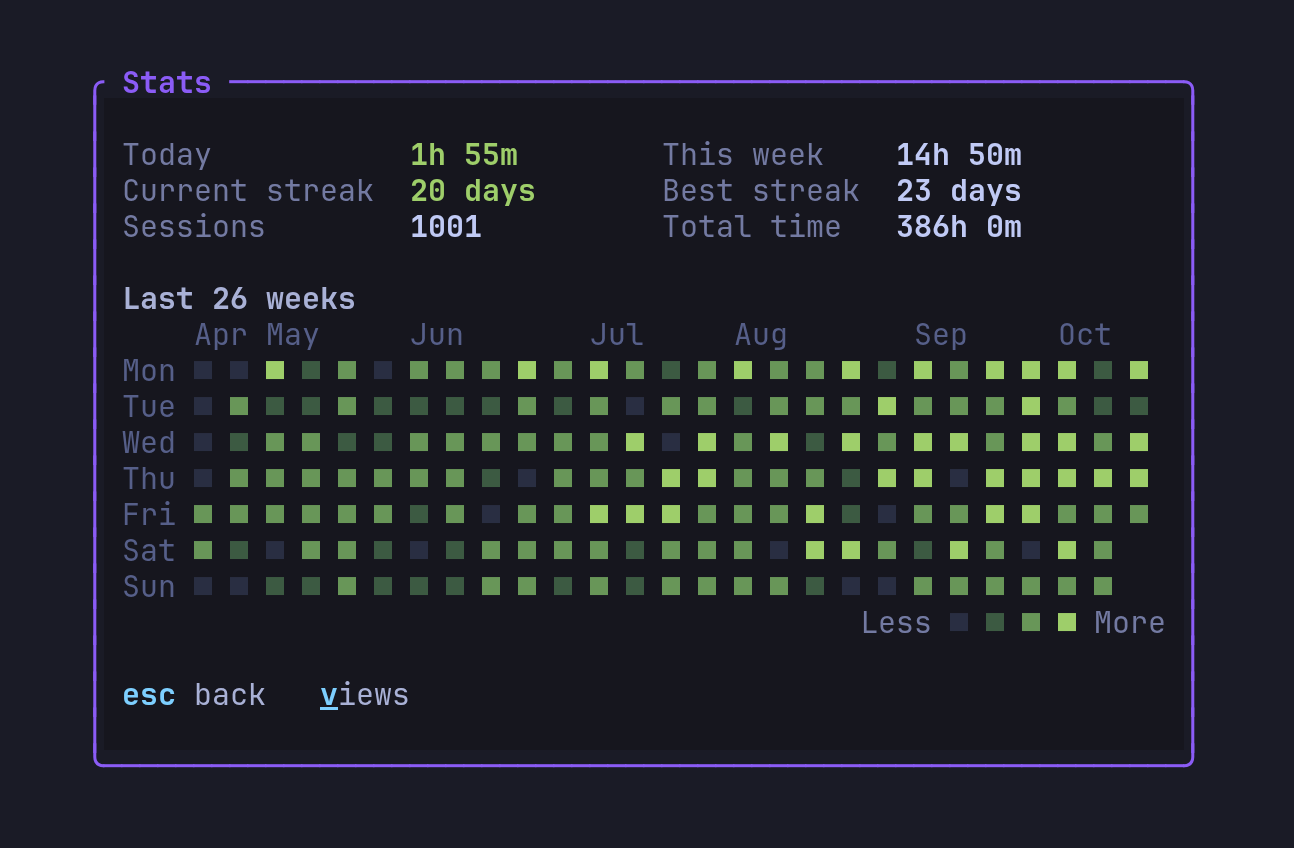
Streaks and totals
Today, this week, your current and best streak, and a heatmap of the last six months.
Press s.
What's inside
Easy to start with, with more to it when you need it.

Pomodoro timer
Focus sessions, short and long breaks, and auto-start. If the terminal closes mid-session, the time you worked is still saved.

Topics and daily goals
Split your time into work, projects, hobbies or studies, each with its own goal for every weekday.

Tasks and notes
Pin the task you're on, set deadlines with shortcuts like fri or +3, and keep notes linked to topics.

Calendar and reminders
Important dates with reminders, deadlines and your focus per day, with export to your calendar app.

Breaks
A calm break screen with quotes, optional micro breaks to rest your eyes, and strict breaks if you need them.
Reports and stats
Streaks, heatmaps and a browser report with every session. Export your sessions to CSV anytime.

Themes and zen mode
Tokyo Night, Catppuccin, Gruvbox, Nord, your terminal's colors or any theme you add, plus focus dimming and zen mode.

Your data stays yours
No account, no cloud, no tracking. Everything is saved as plain files on your computer.

Light and fast
One native C++ program of about 5 MB that starts instantly and uses under 10 MB of memory. No Electron, nothing else to install. macOS, Linux and Windows, Intel and ARM.
Make it yours
Five built-in themes, your terminal's own colors, or any of the hundreds of themes made for Ghostty, Kitty, Alacritty or Windows Terminal. Choose “Add your own…”, drop the file in the folder that opens, and pick it.